
Introduction
When you connect to the internet, your device is assigned a unique number known as an IP address.
This address acts like your home address but in the digital world — it tells websites and services where to send the data you request.
In this guide, we’ll explain:
- What an IP address is
- How it works
- How to find yours
- Why it’s important to protect it
1. What Is an IP Address?
IP stands for Internet Protocol. It’s a set of rules for how devices communicate over the internet.
An IP address is a series of numbers (like 192.168.1.1) or letters and numbers (in IPv6 format) that uniquely identifies your device.
There are two main types:
- IPv4: Older, uses numbers only (e.g.,
172.16.254.1) - IPv6: Newer, supports more devices, uses letters and numbers (e.g.,
2001:0db8:85a3::8a2e:0370:7334)
2. How to Find Your IP Address
Method 1: Using a Website
Visit a site like whatismyip.com or search “What is my IP” on Google.
Method 2: On Your Computer
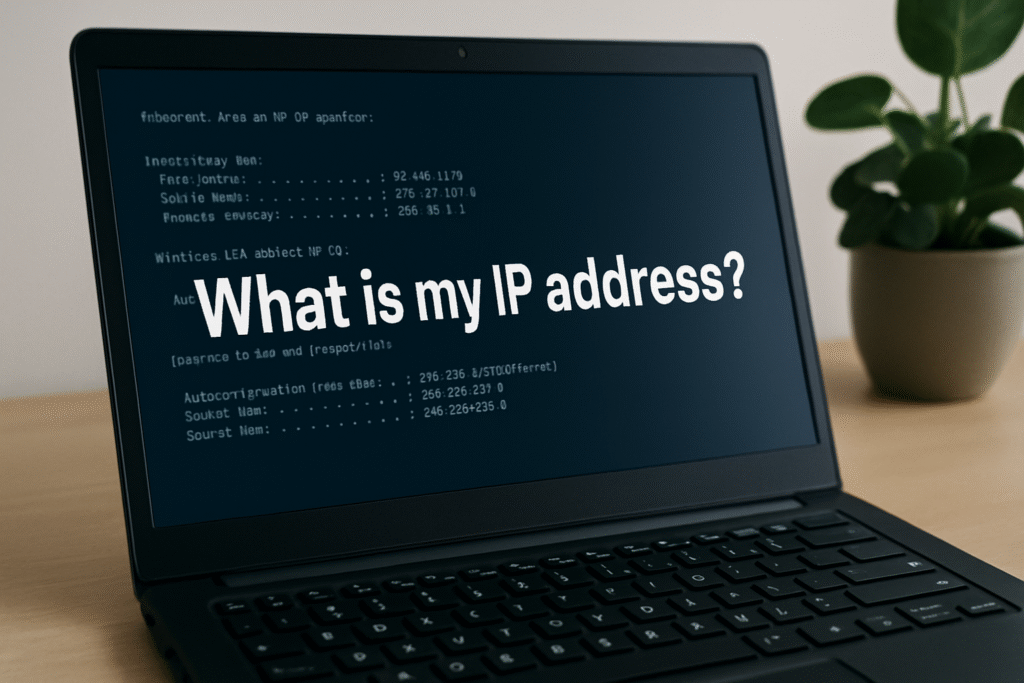
- Windows: Open Command Prompt → type
ipconfig→ press Enter - Mac: Go to System Preferences → Network → Advanced
Method 3: On Your Phone
- iPhone: Settings → Wi-Fi → Tap network name → IP Address
- Android: Settings → Network & Internet → Wi-Fi → Your Network
3. Why Your IP Address Matters
Your IP can:
- Reveal your approximate location
- Show your internet service provider (ISP)
- Help websites tailor content to your region
- Be used by hackers if not protected
4. How to Protect Your IP Address
- Use a VPN (Virtual Private Network)
- Avoid clicking suspicious links
- Change your IP regularly through your router
- Use public Wi-Fi cautiously
Conclusion
Your IP address is essential for online communication, but it also holds information about you.
Understanding it — and knowing how to protect it — is key to maintaining internet privacy in 2025.